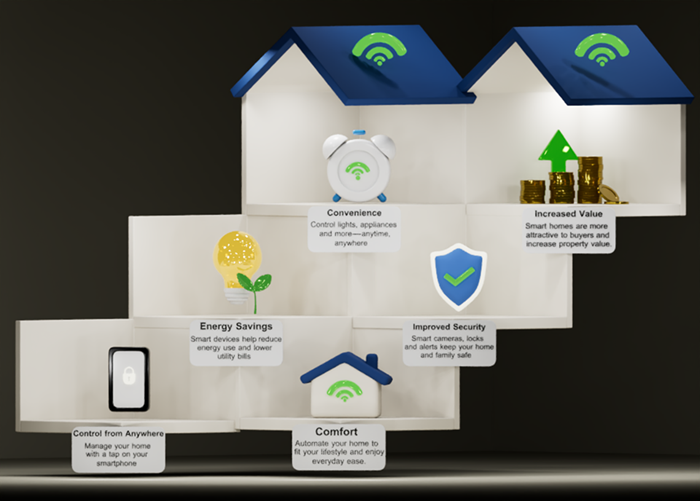
For many homeowners, “smart home” sounds expensive or highly technical. In reality, home automation can be simple and affordable.
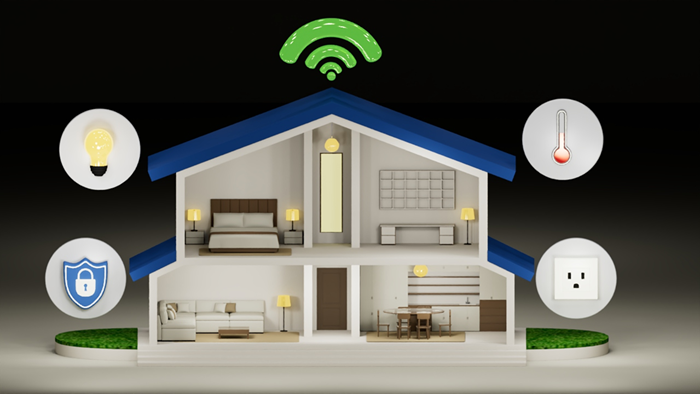
This guide focuses on the easiest way to get started: begin with one device that solves a daily problem, then expand only as needed. Whether your goal is convenience, better security, or improved energy efficiency, setting up a smart home can be as simple as replacing a light bulb or plugging in a smart plug.
The best smart home is not the one with the most gadgets. It is the one that quietly makes life easier by eliminating repetitive tasks. Instead of relying on memory, your home handles them automatically or lets you control them from your smartphone.
- Automate entry: Lock your front door automatically after everyone leaves.
- Schedule lighting: Turn outdoor lights ON at sunset and OFF at sunrise.
- Stay alerted: Receive an immediate smartphone notification when someone approaches your door.
- Prevent hazards: Switch OFF a coffee maker or iron remotely if you forgot to unplug it.
A smart home uses connected devices that can communicate through your home network and respond to commands, schedules, or automated routines.
Unlike traditional appliances, smart devices don't work in isolation. They can exchange information and react to specific events.
Imagine arriving home after work. Instead of unlocking the door, switching on the lights, and adjusting the temperature yourself, your home can recognize your arrival and perform those tasks automatically.
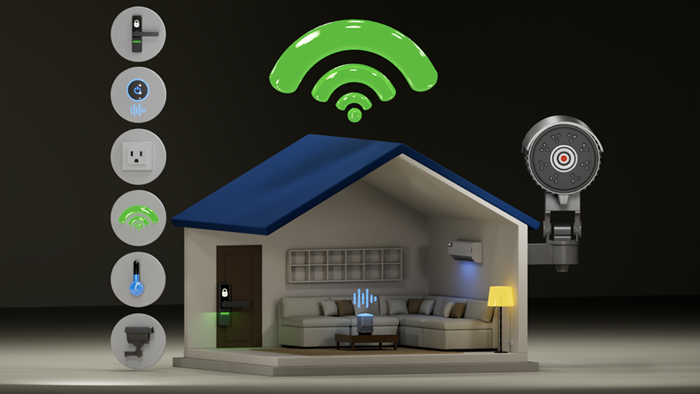
That ability to communicate and work together transforms individual smart devices into a connected system that responds to your lifestyle.
The Internet of Things: How smart devices work together
Smart homes are powered by the Internet of Things (IoT), which simply means everyday devices connect to the internet and can communicate with each other.
A smart home allows devices such as lights, door locks, cameras, thermostats, speakers, and appliances to work together automatically. For example, a motion sensor can trigger a light to turn ON and a security camera to start recording at the same time.
IoT also enables remote control, so you can check cameras, unlock doors, or turn OFF lights from your phone wherever you are. As you add compatible devices, you can create routines that make your home more convenient, secure, and energy efficient.
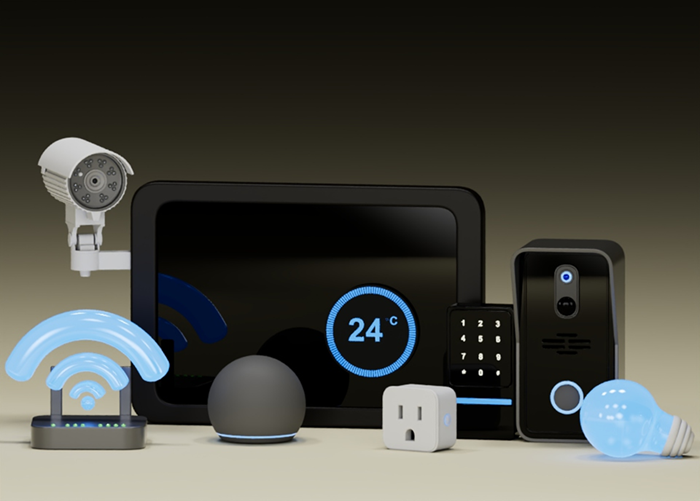
Buying smart devices is exciting, but smart technology works best when the basics are in place first.
- Anchor your home with Linksys WiFi: Many WiFi-connected smart-home devices depend on a stable WiFi connection. If your signal is weak in certain rooms, devices may disconnect, respond slowly, or fail to complete automated tasks. Before expanding your smart home, check your wireless coverage throughout the house. Example: a video doorbell installed at your front gate may struggle to send live video if your router is located at the opposite end of the house. Improving WiFi coverage often solves the issue. By connecting your IoT devices to your Linksys router, you can build a seamless, reliable foundation for your smart home.
- Standardize on One Platform: Choose a primary smart-home platform, such as Apple® Home, Amazon Alexa, or Google Home, and check device compatibility before purchasing.
- Target Practical Everyday Needs: Resist the urge to buy every smart gadget simultaneously. Focus on solving one immediate problem first, such as adding a smart plug for convenience or a smart lock for security, and expand your ecosystem gradually.
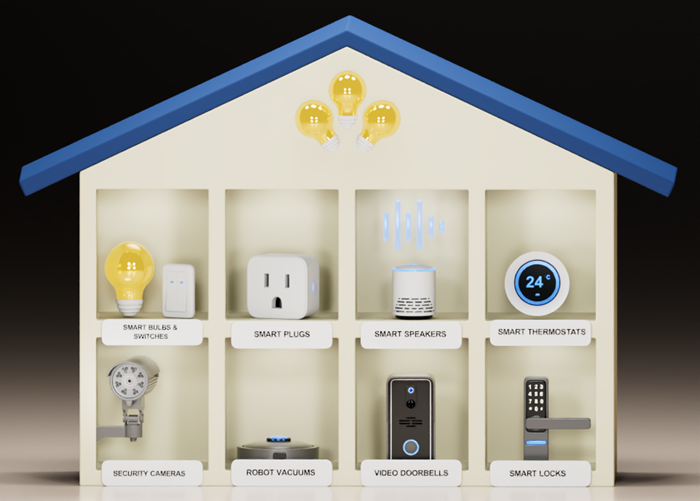
You don't need dozens of gadgets to enjoy the benefits of a smart home. Start with devices that solve everyday problems.
| Device | What it can do |
|---|---|
| Smart bulbs and switches | Turn lights ON or OFF remotely and create schedules. |
| Smart plugs | Control lamps, fans, and other appliances from your home. |
| Video doorbells | See visitors and receive motion alerts wherever you are. |
| Security cameras | Monitor your home in real time and review recordings. |
| Smart speakers | Use voice commands to control compatible smart devices. |
| Smart locks | Lock or unlock doors remotely and improve home security. |
Tip: Choose the device that fixes a problem you deal with every day. A simple smart plug or light bulb often provides more practical value than a complex automation setup.
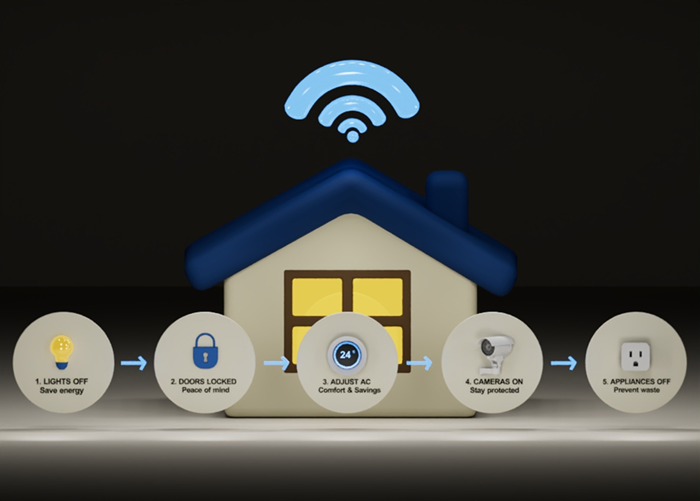
The real advantage of home automation isn't controlling devices one at a time. It's creating routines that allow multiple devices to work together. A routine combines several actions into a single event.
For example, a Leaving Home routine could:
- Turn OFF all indoor lights
- Lock every exterior door
- Adjust the air conditioner to an energy-saving setting
- Activate security cameras
- Switch OFF selected appliances
Later, an Arriving Home routine could unlock the door, illuminate the hallway, and adjust the indoor temperature before you walk inside. These automations reduce repetitive tasks and create a home that responds automatically to your schedule.
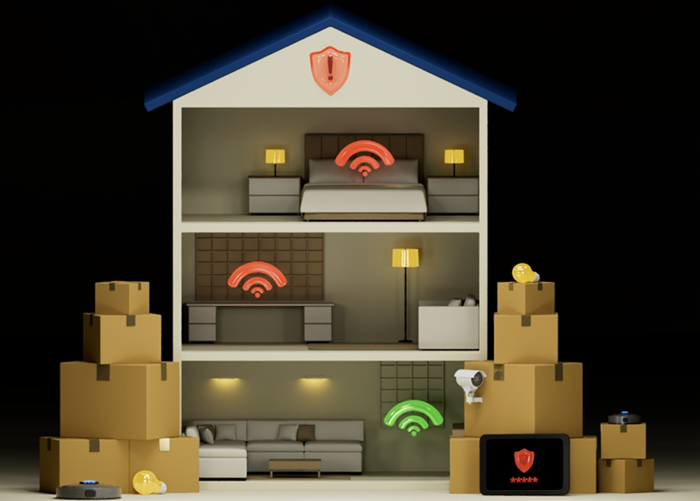
Building a smart home is exciting, but jumping in without a plan often leads to frustration, wasted money, and security risks. By tackling these four common pitfalls early, you can build a reliable, secure system that grows with your needs.
- Platform Mismatch: Buying devices before checking if they work with your chosen ecosystem (e.g., Alexa, Google, or Apple).
- System Overload: Purchasing too many products at once instead of mastering one simple device first.
- Dead Zones: Ignoring weak WiFi coverage in areas like garages, patios, or upstairs bedrooms.
- Security Gaps: Using weak passwords or skipping essential firmware updates that protect your network.
By understanding how the IoT connects your devices, building a reliable foundation, and choosing products that address real needs, you can create a home that's more convenient, secure, and energy-efficient.