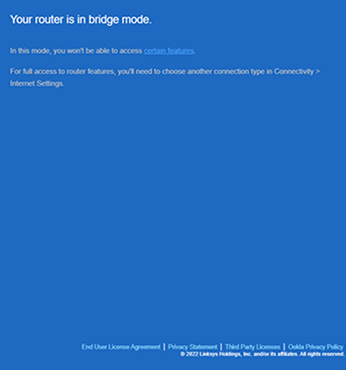
To access the web interface of a Linksys Velop Mesh network while it is in Bridge mode is simple; you will need to determine the IP address of the parent node or router.
Below are the steps to access your parent node or router while it is in bridge mode using its IP address.
1. Open the Linksys app and log in to your account.
2. Tap the menu  icon located in the upper-left corner of the dashboard, then tap on Network Administration.

3. Tap on the parent node, which is the first node/router on the list, and look for the IP Address under LAN.


4. Launch a desktop web browser, type in your router’s IP address, then press [Enter]. Make sure that the computer being used is connected to the same network.

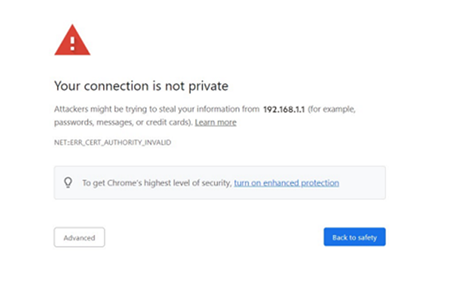
If you encounter any error message, follow these instructions.
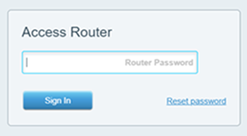
5. Enter your Router Password and click Sign In.
If you come across the following screen, click on the Click here link for local access.

You have successfully accessed the router’s web interface.