


LinksysNOW Login – No Internet Connection Error or Internet Offline Message

If you log into the router and see a “No Internet Connection” or “Internet offline” error, click Restart your modem. If you need to manually configure your ISP settings, click Enter ISP settings.
LN1600

On some routers, such as the Linksys Pinnacle Mesh routers, you may see an offline message after logging in. Click Troubleshoot, then try the suggested troubleshooting steps again.
SPNM60 and SPNM62
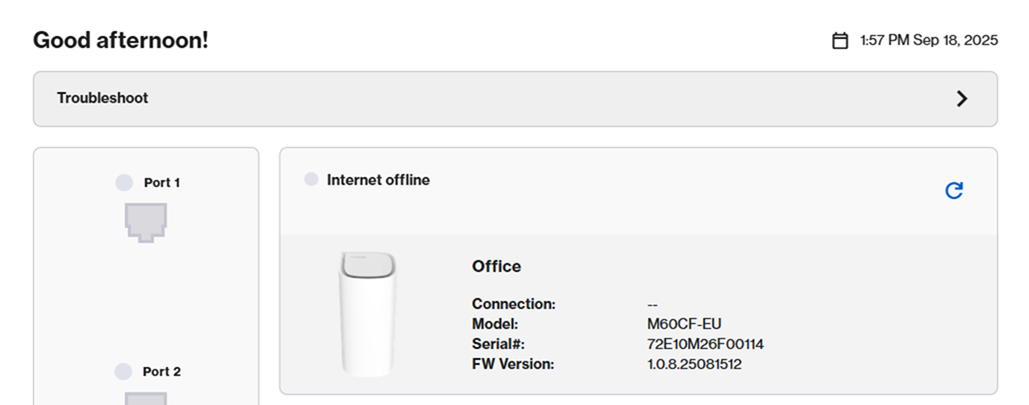
- Ensure your modem is properly connected to the Internet port on your Linksys router. For Linksys Pinnacle Mesh routers, make sure it’s connected to the Internet 1 port.
- Click Restart your modem and follow the on-screen troubleshooting steps.
- If your Internet Service Provider (ISP) uses PPPoE or another connection type that requires manual configuration, click Enter ISP settings to input the necessary details. Learn more.
- For the Linksys LN1600 model, click on Log into router to bypass this message if you need to adjust your Internet settings.
- If you're still experiencing issues, contact your ISP to check for any service outages in your area.

