


How to check if firmware Auto-Updates is turned ON

To check if Automatic Firmware Update is enabled using the LinksysNOW web interface, follow the instructions below.
Note that images may vary depending on the model.
1. Log in to the web interface.
2. Click on Menu.
3. Click on Instant-Admin.

4. See if the Automatic Firmware Update button is toggled ON. Firmware updates occur overnight to minimize interruptions to your network during the day.

However, if you log in to the web interface during the day and see an “Update available” message in various locations, you can click it to begin the update process. Please note that during the update, you will temporarily lose WiFi connectivity until the router restarts.
Home page
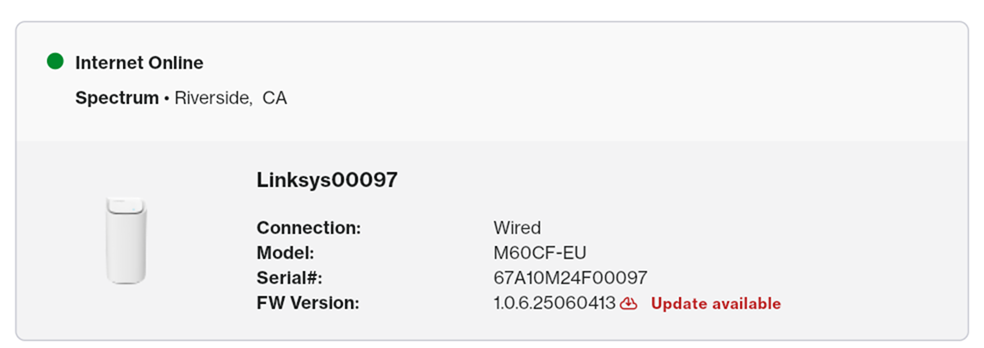
Instant-Topology section


