Configuring the LinksysNOW Instant-Safety settings

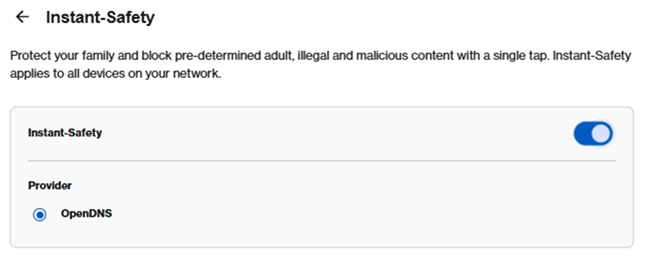
The Instant-Safety feature allows you to block inappropriate online content through a service provided by OpenDNS. This feature is not supported if your router is in bridge mode.
1. Log in to the router’s web interface.
2. Click on Menu.

3. Click on Instant-Safety.
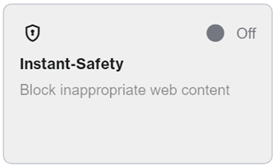
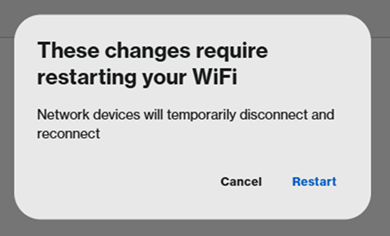
4. To enable this feature, toggle the switch to ON. When prompted, click Restart. You will temporarily lose WiFi connection while the change is being applied.
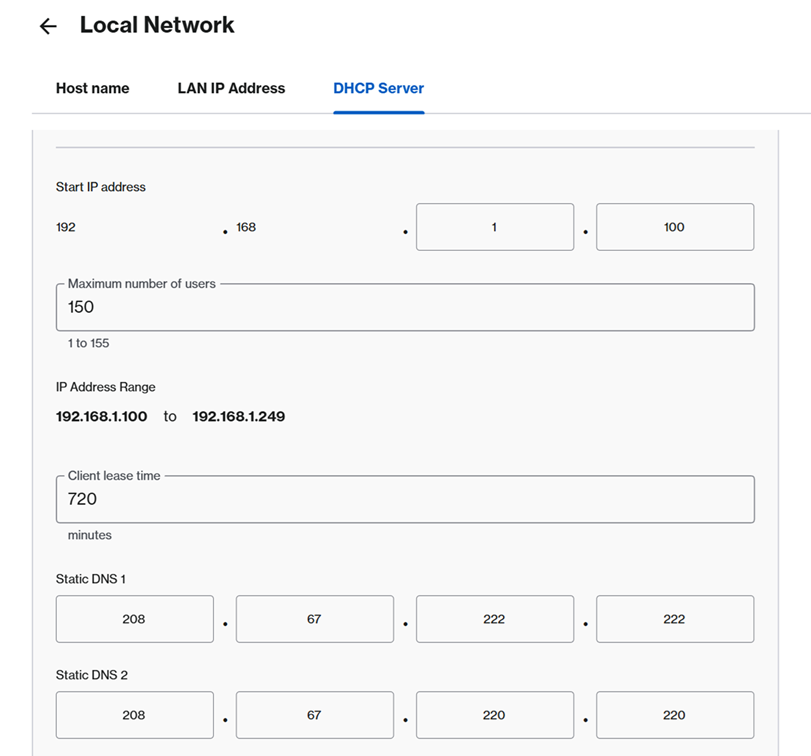
To check the DNS numbers in use, go to Menu > Advanced settings > Local Network > DHCP Server.