


Overview of the status light on the Linksys SPNM60TB for toob ISP
The Linksys SPNM60TB router has a single status light that provides information about its operation.
Before you begin:
-
Parent router – The Linksys Mesh router connected to your modem or internet source.
-
Child node – An additional Linksys Mesh node that can be added to extend your WiFi network.
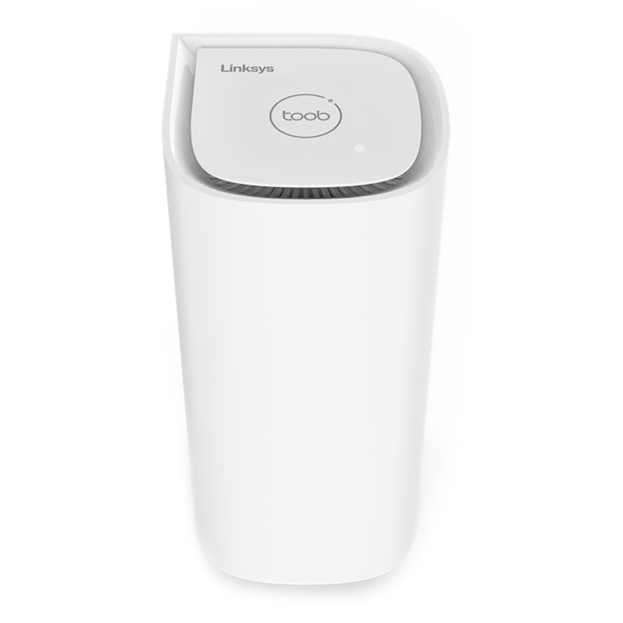
Light Color
Status
Description
None
OFF
- The router is not powered ON.
- Night mode feature is enabled, and the light automatically turns OFF from 8:00 PM to 8:00 AM
Blue
Blinking
- The router is booting up
Solid
- The node is ready for setup
White
Blinking
- Setup or pairing is in progress
- Firmware update in progress
- The Pair button has been pressed
- The Pause button has been pressed
- The Test button has been pressed
Solid
- Node is set up and online
Red
Solid
- No internet connection. Check your internet connection.
Blinking
- While pressing the reset button (blinking light in a fading effect)
- The child node is disconnected from the parent router. Try restarting the child node, or the parent router, or moving the child node closer to the parent router.
Alternating (between red and white)
- The external Pause button has been pressed, pausing the internet for 120 seconds. During this time, the status light will alternate between red and white. To resume your connection, simply press the Pause button again.
Orange
Blinking
- During the pairing of a new child node, no new child node was found. Try moving the child node closer.

