


Every day, the internet powers our lives. We use it to stay connected with friends, manage finances, shop for essentials, stream our favorite shows, and drive our careers from home. While this connectivity offers incredible convenience, it also opens doors to digital risks. Cybercriminals are constantly evolving their tactics to compromise personal data, breach accounts, or disrupt devices.
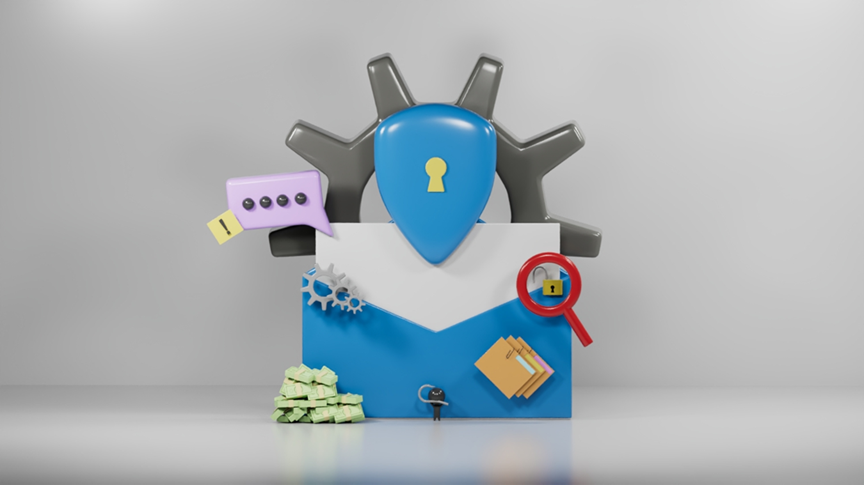
But there is good news: Cybersecurity is the shield that protects your digital identity. It isn’t just for Tech experts; it’s a set of simple, proactive habits that anyone can master to reduce online dangers significantly.
First, let's begin with common cyber threats
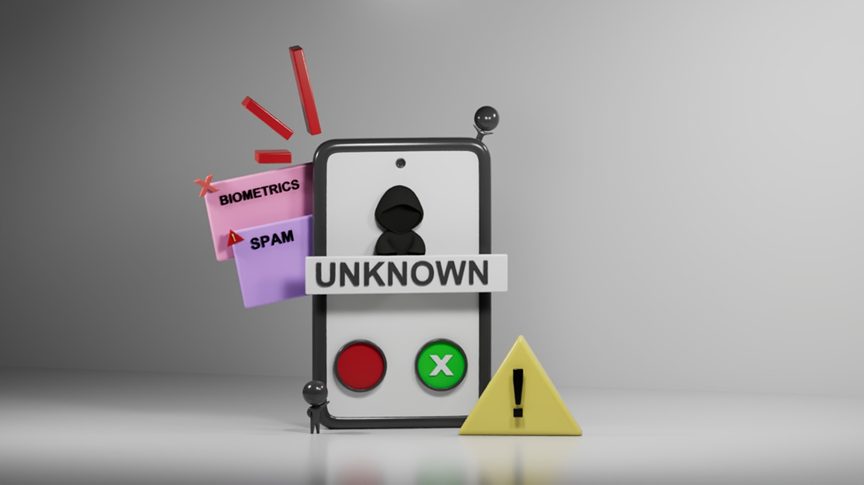
Phishing happens when scammers pretend to be trusted companies, banks, or even friends to trick people into sharing personal information. For example, you might receive a message saying: “Your bank account has been locked. Click here to verify your details.” The link may lead to a fake website designed to steal your password or banking information.
Warning Signs:
⚠ Suspicious email addresses
⚠ Strange links
⚠ Urgent messages demanding immediate actions
⚠ Offers that seem too good to be true
Malware is harmful software that can infect phones, tablets, or computers. The word “malware” is a combination of the phrase “malicious software”. It often spreads through suspicious email attachments, unsafe downloads, fake websites, infected USB drives, or unsecured networks.
Type:
- Virus: Attaches itself to files and spreads when opened.
- Worm: Spreads automatically across networks without user action.
- Spyware: Secretly collects personal information and online activity.
- Ransomware: Locks files or devices and demands payment to restore access.
- Trojan Horse: Disguises itself as safe software to trick users.
Effects of Malware:
- Slow device performance
- Stolen files or passwords
- Frequent pop-up ads
- Unknown programs appearing
- Files disappearing or becoming inaccessible
- Loss of important data
- Unusual internet or account activity
Weak passwords are one of the easiest ways for hackers to access accounts. Common techniques used by cybercriminals include guessing simple passwords, using stolen login information, operating automated password-cracking tools, and performing credential stuffing attacks.
Unsafe password examples:
⚠ 123456
⚠ Password
⚠ Birthday names
Free public WiFi in malls, airports, or cafes may not always be secure. Hackers on the same network can sometimes monitor traffic and steal sensitive information. Some hackers even create fake WiFi hotspots with names that look legitimate, like “Free Airport Wi-Fi.”
Avoid doing these on public WiFi:
⚠ Online banking
⚠ Logging into important accounts
⚠ Sending private files
Instead, do the following:
✔ Use websites that begin with “https”
✔ Turn off automatic WiFi connections on your mobile device
✔ Use Virtual Private Networks (VPN) when possible
✔ Use mobile data instead for sensitive activities
Now, let’s learn ways to protect yourself online
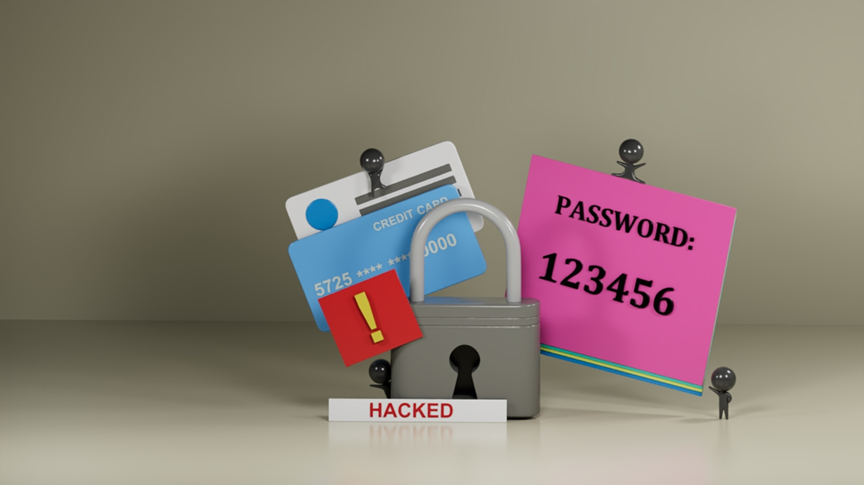
A strong password is your first line of defense. While passwords alone cannot completely stop malware, weak passwords make it much easier for cybercriminals to gain unauthorized access to accounts and systems.
Quick password tips:
✔ Use at least 12 characters; longer passwords are exponentially harder to crack
✔ Combine upper and lowercase letters
✔ Include numbers and symbols
✔ Avoid personal information like birthdays or names
✔ Use different passwords for different accounts
According to cybersecurity experts at Fortinet, Two-Factor Authentication (2FA) is a vital security layer that requires two distinct forms of identification to access an account. Think of it as a second, different lock on your digital door: even if a hacker steals your password, they still face a significant barrier to entry.
Because passwords alone are increasingly vulnerable, 2FA provides a critical safety net. By requiring a second verification method, you ensure that your account remains inaccessible to unauthorized users, even if your login credentials have been compromised.
Common types of 2FA:
- SMS code: A one-time code is sent to your mobile phone.
- Authentication app: Apps generate temporary security codes.
- Biometrics: Uses fingerprint or facial recognition.
- Security key: A physical device used for login verification.
Many people reuse passwords across multiple accounts. If one password becomes compromised, hackers may attempt to access other accounts using the same login information. 2FA stops this chain of attacks.
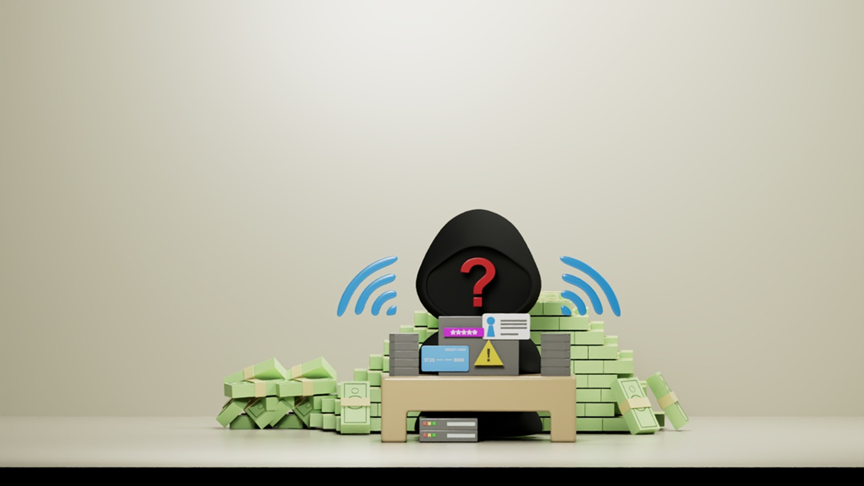
Protecting your digital security starts with being cautious about the emails you receive and the links you click. Before interacting with a message, carefully inspect the sender’s email address; scammers often use addresses that mimic legitimate names but contain subtle typos or extra characters. Avoid opening or downloading attachments from unknown senders or unexpected messages, as these files can harbor viruses designed to damage your system or steal your data.
Furthermore, be wary of messages that sound overly urgent or pushy. By using phrases like "Act now to claim your prize" or creating a sense of panic, scammers hope to rush you into ignoring obvious warning signs. If a message feels suspicious or creates a false sense of emergency, stop and verify its authenticity through a trusted website or official phone number first. Developing the habit of verifying every message before you engage is your best defense against malware and cyberattacks.
Remember:
⚠ If something feels suspicious, DO NOT click it.
Keeping your devices updated is about more than just accessing new features; it is a critical step in patching security vulnerabilities. To maintain this security, always download software exclusively from trusted sources, such as official app stores or verified company websites. Unofficial platforms often host harmful programs disguised as legitimate applications, some of which contain malware designed to steal data or damage systems. Beyond relying on official security checks, you should also read user reviews before installing any app. These insights from experienced users can often reveal hidden risks that may not be apparent at first glance.
Emergency action plan: What to do if you are hacked
If you suspect an account has already been compromised, execute the following incident response steps immediately:
1. Isolate the threat: Change your password immediately and activate 2FA using the guidelines above.
2. Scan your device: Run an updated antivirus scan to find and remove hidden malware.
3. Protect your finances: Contact your bank immediately if financial accounts or payment methods are involved.
4. Warn your network: Inform friends and contacts if your account sends out suspicious or malicious messages.
5. Audit history: Monitor all active account sessions and statements for unusual activity.
Read about home network security and scam prevention
To help you build a safer digital environment, explore these essential resources on securing your home network and defending against common online threats.
Router Security and why it is important
Tech Support Scams: How to spot and avoid them
Best practices checklist for your WiFi network
The importance of changing your router’s default password
Cybersecurity is not only for experts or large companies. Anyone who uses the internet can become a target of cybercriminals. Fortunately, most online threats can be reduced through smart habits and basic awareness. Cybersecurity is a skill everyone should learn.

