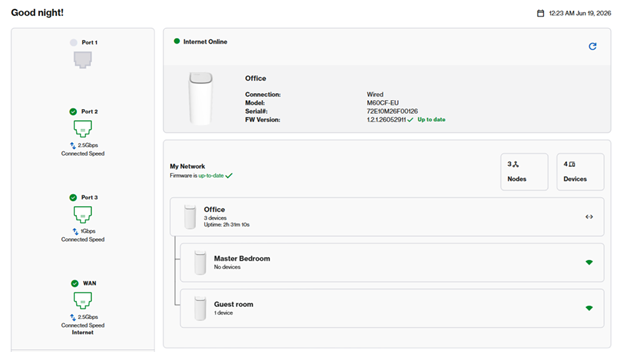
How to give your Linksys Pinnacle Mesh routers a friendly name

To better identify your nodes in the network, you can give them a friendly name.
1. Log into the web interface of your router.
2. In this example, we have a parent and two child nodes. Go to Menu > Instant-Topology.
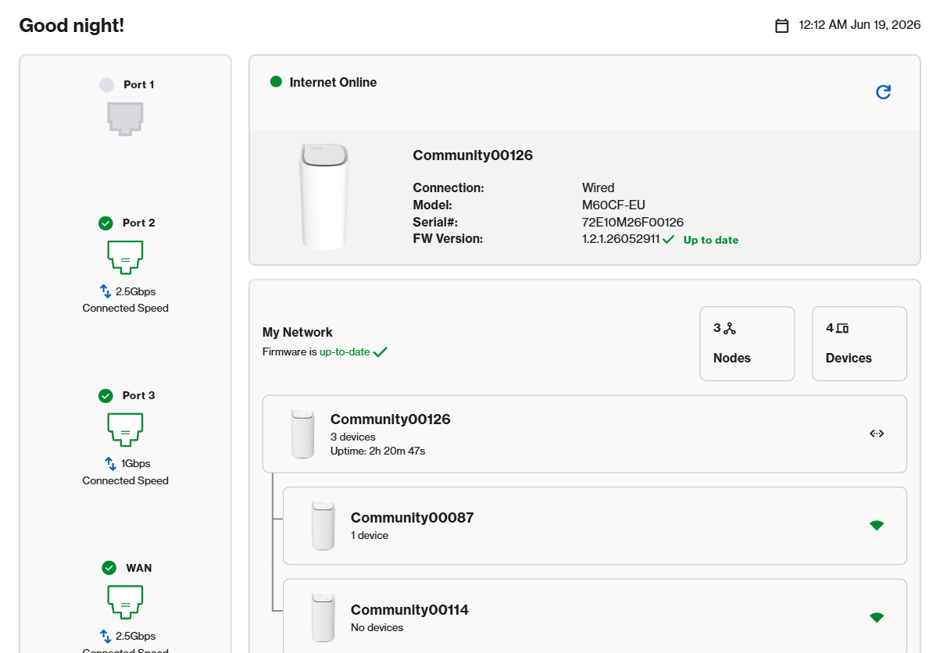
3. The first tile is your parent router, which is connected to your modem. All others are your child node. Click on a node.
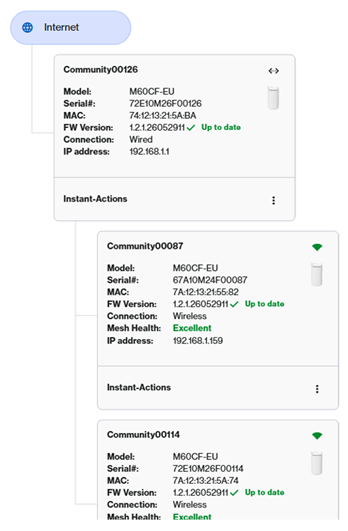
4. You can either identify each node by its serial number, then click on  to edit the name.
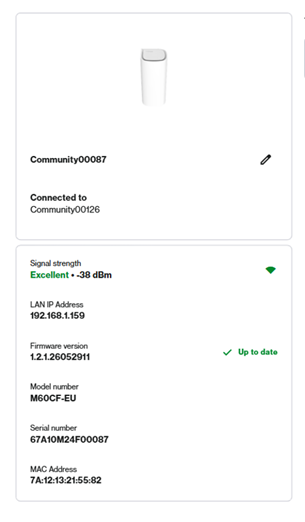
Click on Blink node light. The router LED will begin blinking white for 20 seconds. Once you have determined your router, enter a friendly name and click Save.
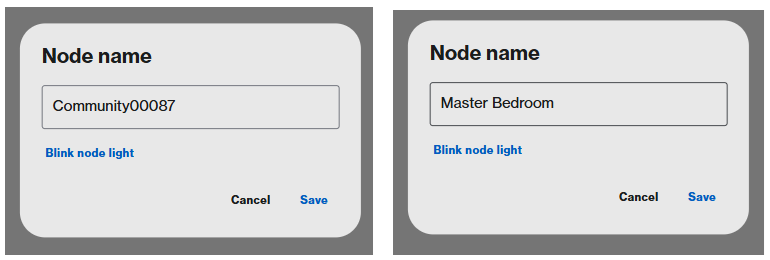
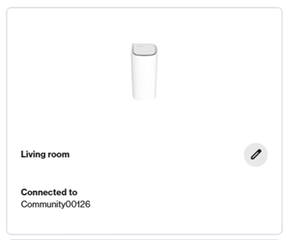
5. Repeat the steps with the remaining nodes.
6. Once you are done, you can now determine your node in the network.