


Changing your Linksys Intelligent Mesh admin password

This article will help you create or change your router’s admin password through the router's web user interface.
Before you begin:
A desktop computer is required to access the router’s web interface. If you do not have a desktop computer and are currently using the Linksys mobile app, click here for more information.
Images may vary depending on your router.
1. Log in to the router's dashboard.
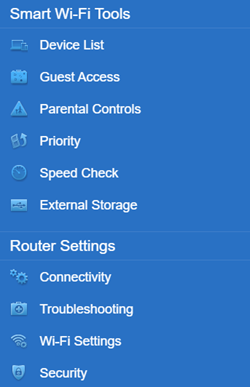
2. Click Connectivity.
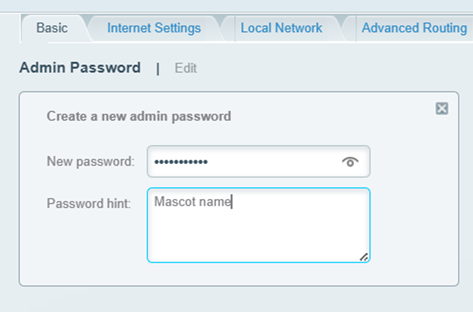
3. On the Basic tab, click Edit next to Admin Password and enter your preferred password. Add an optional hint.
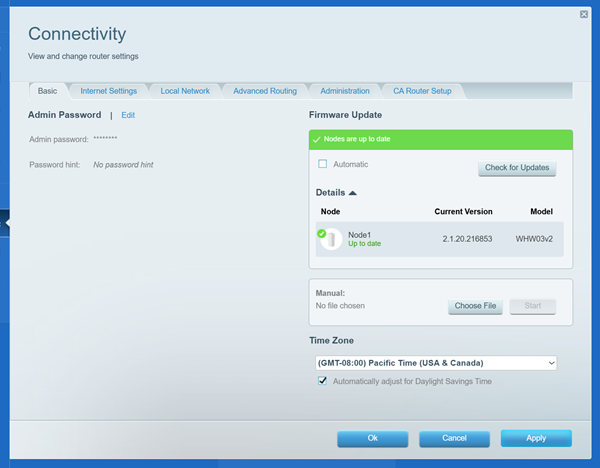
4. Click the OK button to save the changes.
You should now have changed your admin password.

