You are using an unsupported browser. Please update your browser to the latest version on or before July 31, 2020.
close
You are viewing the article in preview mode. It is not live at the moment.
> 고급 구성 > 메시 시스템 > How to perform a Speed Test on your network using your Linksys cloud account
How to perform a Speed Test on your network using your Linksys cloud account
print icon

The Speed Test Tool allows you to check the current upload and download speed of your internet connection.

Here is a short guide about the difference in values of your download and upload speed:


  • Download speed – This pertains to how fast data is transferred from websites to your computer.
  • Upload speed – The speed of data transfer from your computer to the internet.


Follow the steps below to learn how to perform a speed test on your network.

Factors such as number of devices connected to your network and running applications and activities that require a large amount of throughput such as video streaming and voice-over-internet protocol (VoIP) can affect the upload and download speed of your internet.


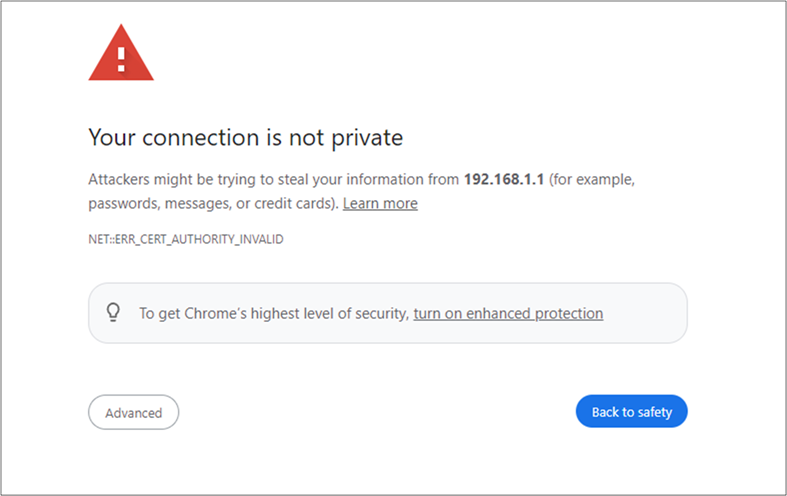
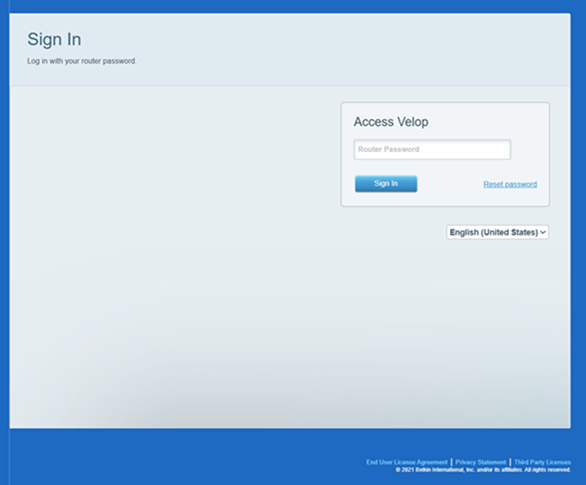
1. Log in to the router's web interface. 


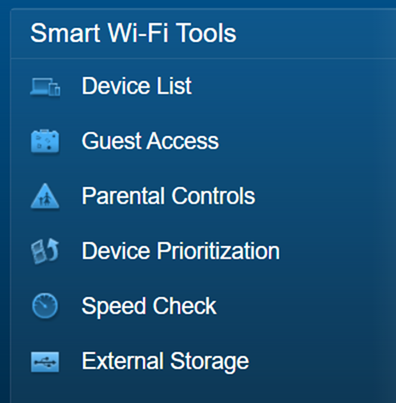
2. Click Speed Test.


3. Click Begin Test.


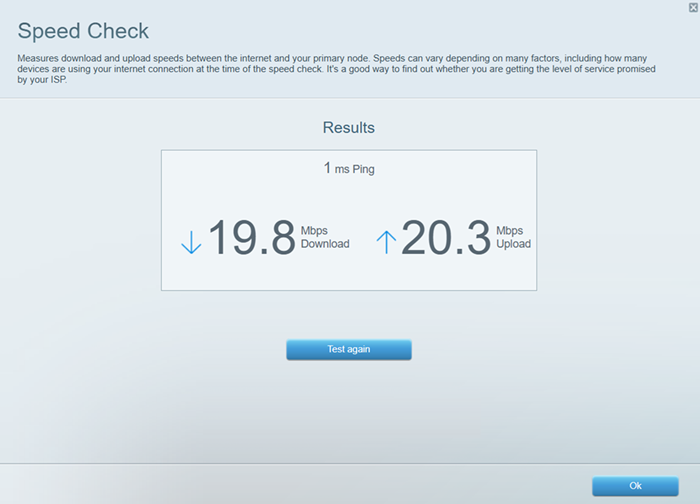
The area with an arrow pointing downwards shows the Download Speed while the area with an arrow pointing upwards shows the Upload Speed.


The speed test will begin immediately. Once a speed test is done, you can click Restart Test to begin another session.
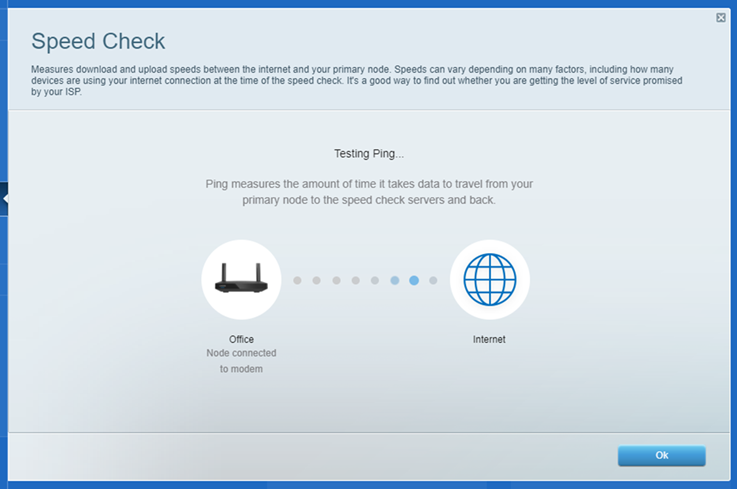


You can also click the Show History button to see the results from your previous speed test sessions and compare them to the current results.


In case you encounter issues while doing a speed test, you can try any of the steps below:
 

  • Close the web interface then re-open it and run the test again.
  • Temporarily disable any security on your computer such as your anti-virus or Windows® firewall, then run the test again. You can re-enable them after the test has been completed.
  • Use another computer that is also connected to your network and run the test.
  • Make sure you are using Adobe® Flash® Player 8.0 or higher.
  • Check if you have an active internet connection.


Expanding your network

You can also extend the range of your network, especially in situations that require you to do so. By simply connecting additional devices, you can now extend your wireless signal to accommodate the hard-to-reach areas at home and even to connect more devices (both wired and wireless) for gaming or entertainment. Click on the links below to learn more.

Getting to know the Linksys EA7250
Getting to know the Linksys RE6800

2967

이 지원글이 도움이 되었나요?
0 에서 0 도움이 되었음

연락처
전화 문의  글로벌 지원 번호 목록에 액세스
Reddit  공식 Reddit 커뮤니티에 가입하고 구독하세요.
저희와 채팅하기  궁금한 점이 있으시면 언제든지 문의해 주세요.
Linksys
Now
Support
상단 아이콘으로 스크롤