The Linksys SPNM60TB Pinnacle 2.0 Mesh Router features a variety of physical buttons and switches across its bottom and back panels, each designed to give you greater control over network setup, diagnostics, and privacy. Below is a quick overview of each control’s purpose and functionality to help you get the most out of your router.
Bottom panel
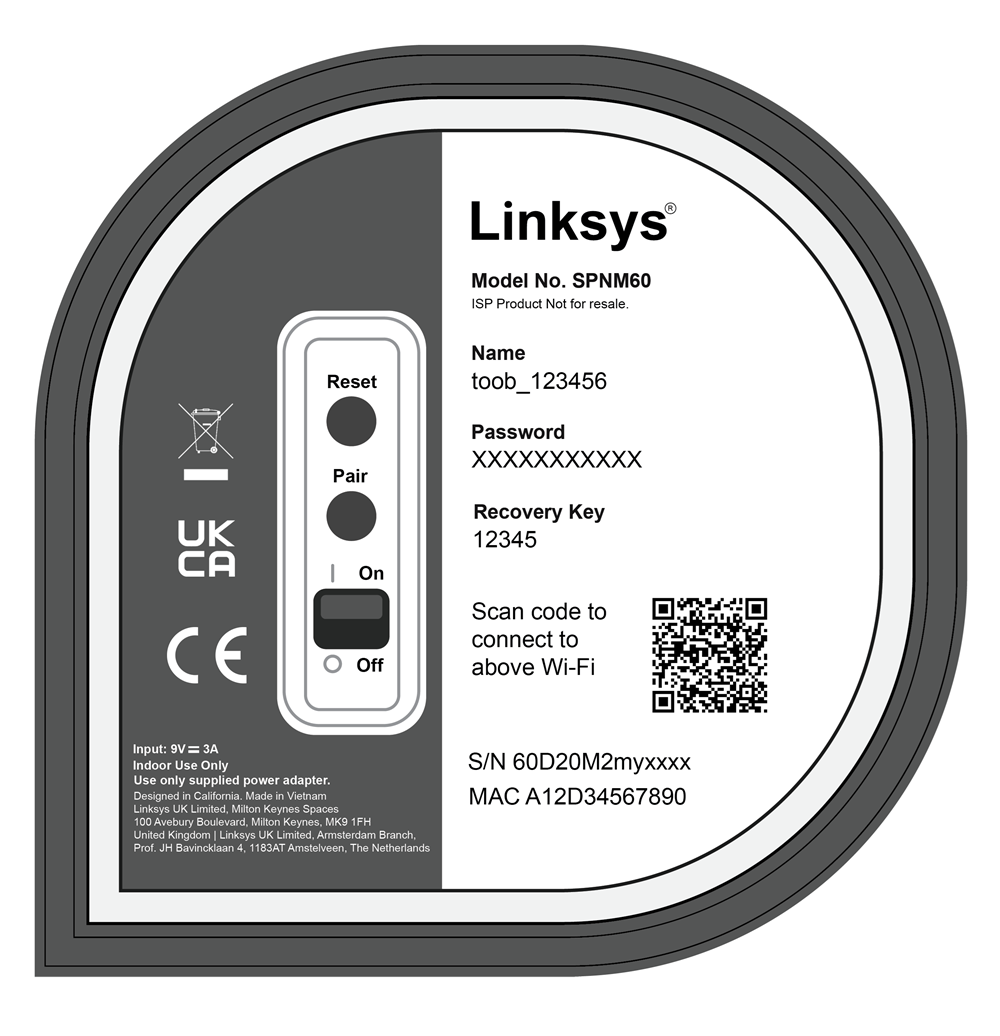
- Reset button – Hold for 15-20 seconds to restore the router to factory default settings.
- Pair button – For adding child nodes into the network.
- Power switch – Toggle to power the router ON or OFF.
Scan the QR code to connect to WiFi clients using the default settings. If the WiFi settings have been customized, use the QR code located in the router’s web interface instead.
Side panel
Pause button
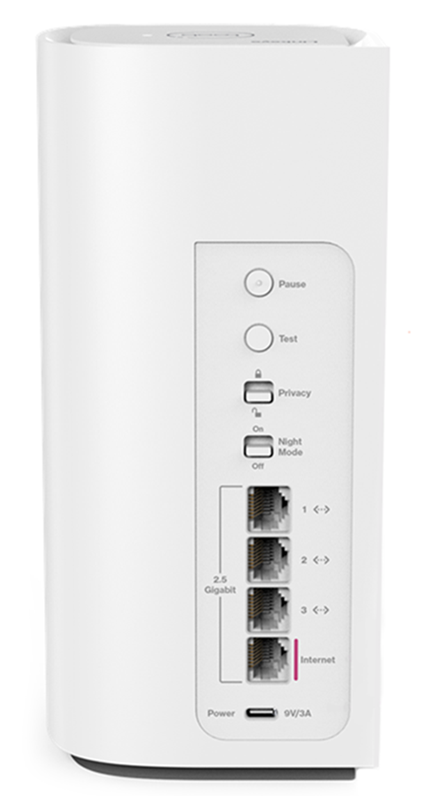
Pressing the Pause button will block all WAN traffic (both wired and wireless) for 120 seconds. If you have other Linksys SPNM60 units configured as child nodes, note that the Pause button is only supported on the parent router.

1. Press the Pause button on the parent router. The light indicator on the top panel will pulse between red and white to indicate that the Instant-Pause has been activated.
2. The pause will stop all WAN traffic for 120 seconds. The light will become solid white once the internet connection resumes.
3. To cancel the pause, press the Pause button again.
Test button
This feature is currently in development. Please check back soon for diagnostic instructions and light indicator guides.

Privacy switch
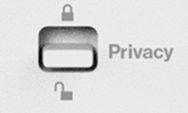
The Instant-Privacy feature prevents any new wireless devices from joining the network. By default, this feature is turned OFF. Supported only on the parent router. You can either use the external toggle switch or you can also enable it from the web interface.
Before you enable this option:
- Ensure all devices you want on the network are connected to WiFi first. You can then turn the Instant-Privacy feature ON.
IMPORTANT: If a device has a Private Wi-Fi Address or Random MAC address enabled, it may not reconnect to the network on its next attempt due to the new MAC address it uses. To resolve this, disable the random MAC feature on iOS or Android™, turn Instant-Privacy OFF, reconnect your devices, and then turn it back ON.
- When adding new child nodes, be sure to turn the feature OFF beforehand. Once the nodes have been added successfully, you may turn them back ON.
- If MAC Filtering is enabled on your Linksys router, it will automatically be turned OFF when Instant-Privacy is active.
To use the external toggle switch, move it to the lock position to enable the feature. You can also log in to the web interface to check the ON/OFF status.
Night Mode
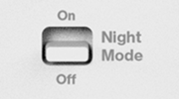
The Night mode feature will turn OFF the light on all the supported Linksys Mesh nodes in your network automatically between 8 AM and 8 PM. By default, this feature is turned OFF. Simply toggle the switch to the On position to enable it.