


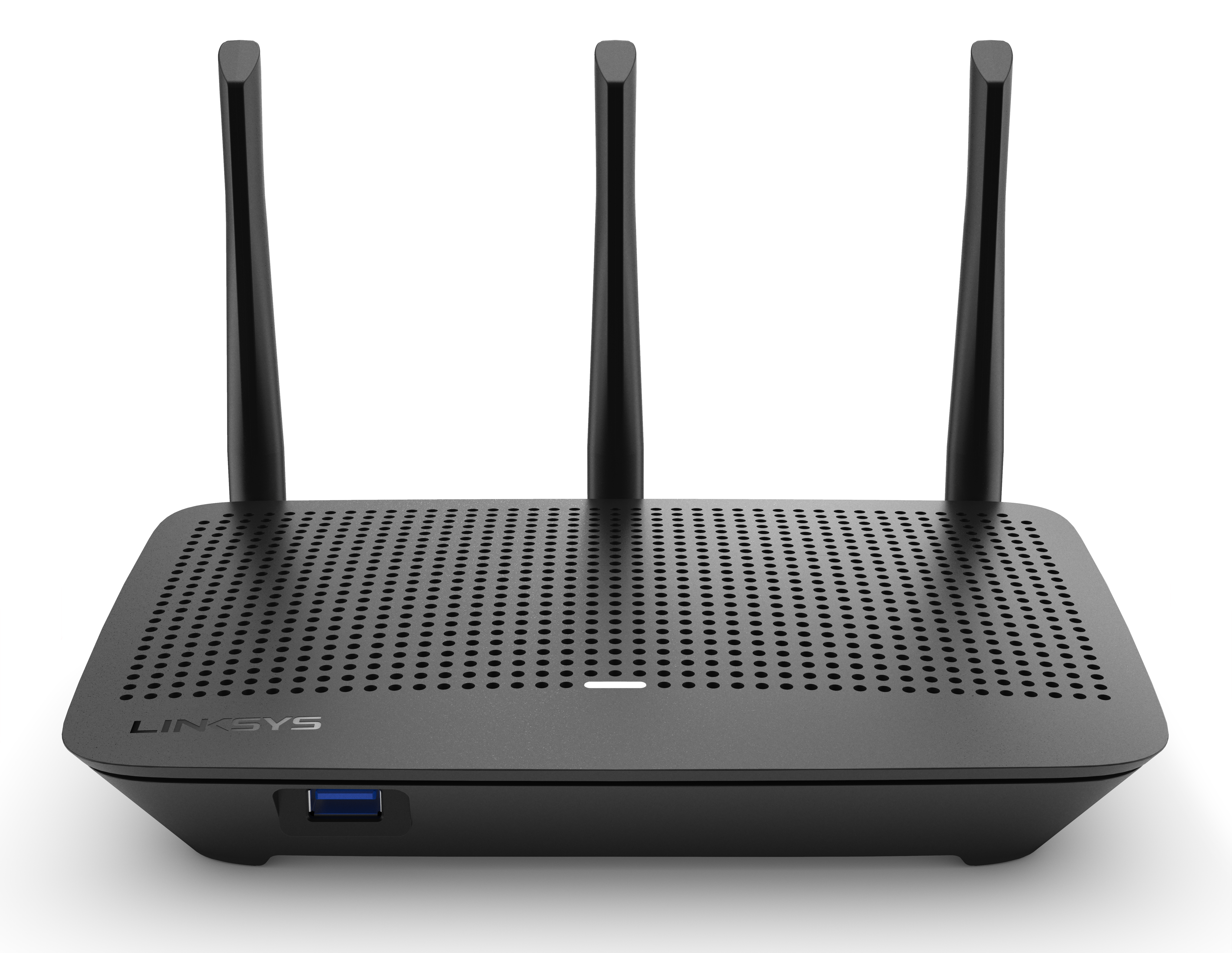
The Linksys EA7250 is a dual-band router that lets you enjoy high-speed WiFi. With AC1750 speeds, you'll be able to swiftly stream HD videos, surf, email, play games online, and chat.
HARDWARE INFORMATION
The Linksys EA7250 has the following parts:
Ports, buttons, and switch:
- Power port (Input - 12V, 2A)
- One gigabit Ethernet WAN port
- Four gigabit Ethernet LAN ports
- Reset button
- WPS (Wi-Fi Protected Setup™) button
- Rocker-style power switch
- One USB 3.0 port (for storage only)
Indicator lights - Learn more.
Antennas:
- Three external and adjustable antennas
Below are the major product features of the Linksys EA7250:
- Dual-band AC1750
- 3x3 Spatial streams
- Dual-core processor
- Beamforming Technology
- Seamless Roaming
- Coverage up to 1,500 sq ft
The reset button is located at the back of the Linksys EA7250.
SETUP AND INSTALLATION
Below are the requirements for setting up the Linksys EA7250:
- Latest version of Google Chrome™, Firefox®, Safari®, and Microsoft Edge®
- Latest Adobe Flash Player
To set up your router, follow these steps.
The default IP address for this router is 192.168.1.1, and admin is the default password.
FEATURES AND FUNCTIONS
Beamforming Technology lets a router transmit a radio signal in the direction of the connected devices, thus creating faster, stronger, and more reliable wireless communication.
To access the External Storage feature of your Linksys EA7250 through the web browser, follow the steps below.
1. Connect your USB storage device to the USB port of your Linksys EA7250.
2. Log in to the router's web interface.
3. Once logged in, click External Storage on the left panel.
You should now be able to access the External Storage feature of your router.
Yes. It supports IPv6.
ADVANCED TROUBLESHOOTING
You can reset the Linksys EA7250 to factory defaults through the router’s web interface or the reset button. Learn more.

