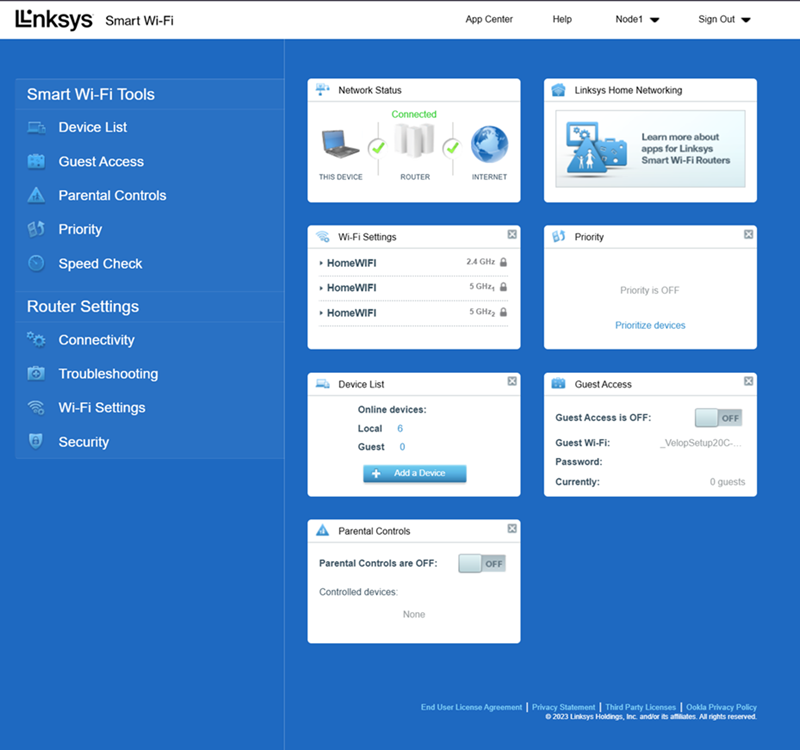
This article covers how to access the Linksys WHW03 mesh router's web interface.
Before you begin:
- Connect your computer to the Linksys WiFi network.
1. Open a web browser, type “myrouter.local” or "https://192.168.1.1" in the Address bar, then press [ENTER].
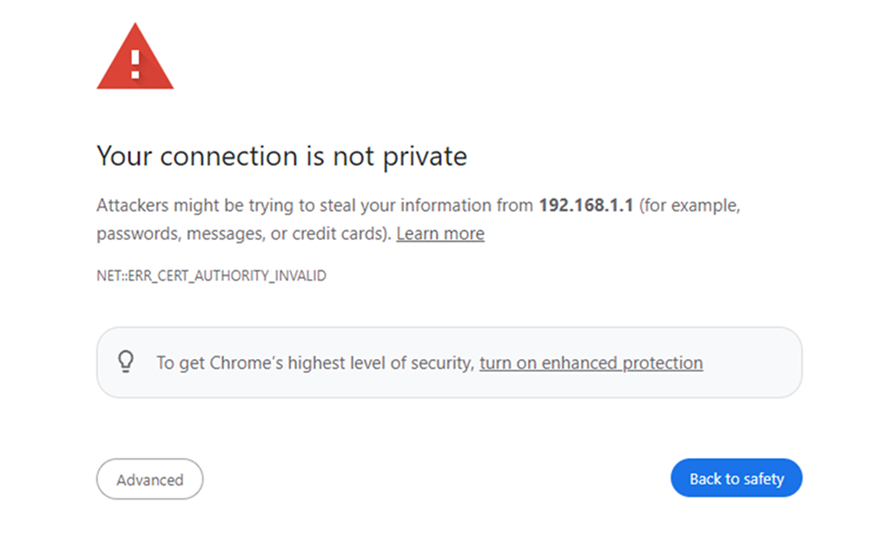
2. If you receive the following message, follow these instructions to proceed.
3. Enter your router password. “admin” is the default password, and click on Sign In.
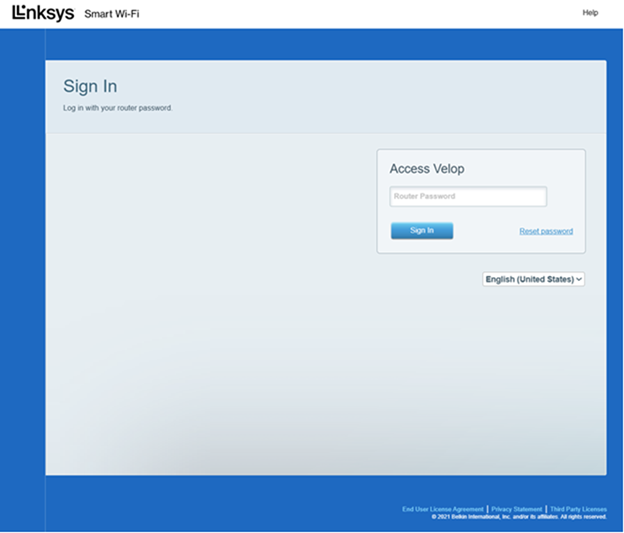
If you have forgotten the password, click on the Reset password link to recover it. You will be prompted to enter the Recovery Key located on the product label at the bottom of the parent node or router. Click Submit once done.
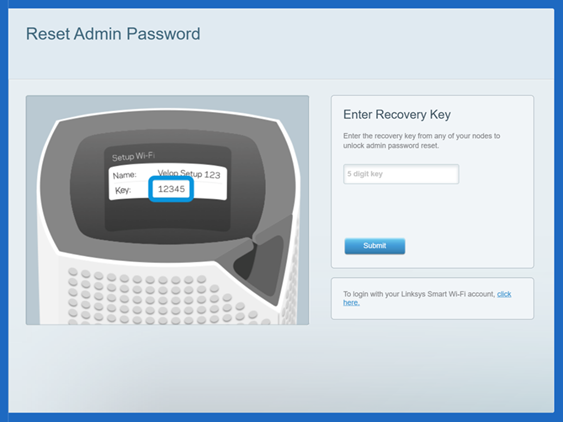
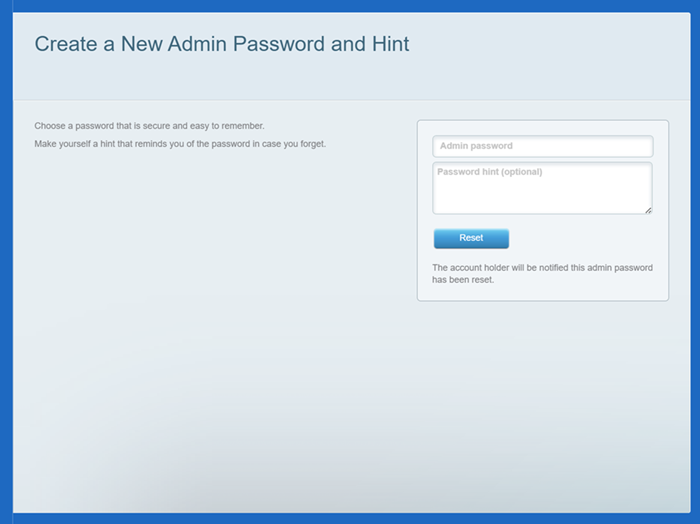
Create a new password and hint, then click Reset. This will only reset your password, not your router settings. Please note that passwords are case-sensitive.
4. Once logged in, you will be taken to the dashboard.