How to run a Speed Test on a Linksys Pinnacle Mesh Router

Speed test services may vary by model. This article will guide you through running a speed test on the Linksys SPNM model.
There are several places to run a speed test on the LinksysNOW web interface:
1. Log in to the web interface.
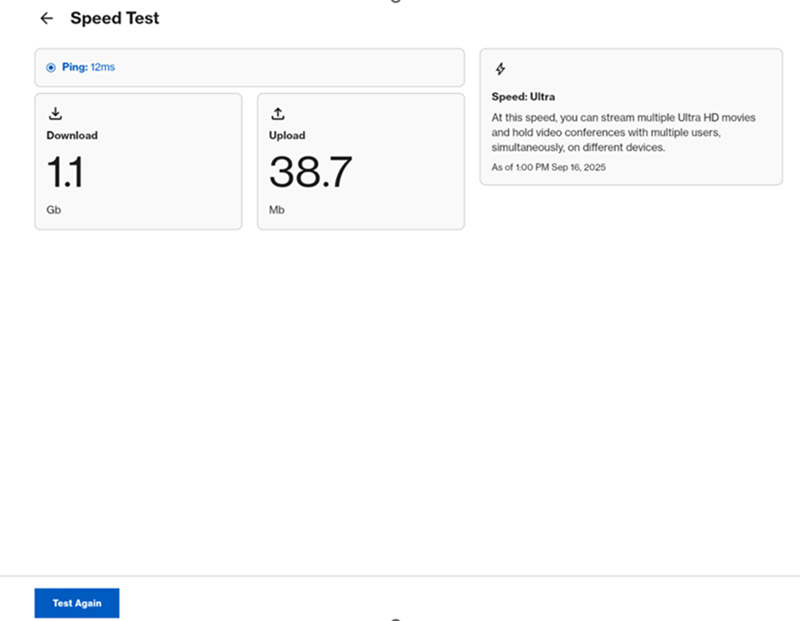
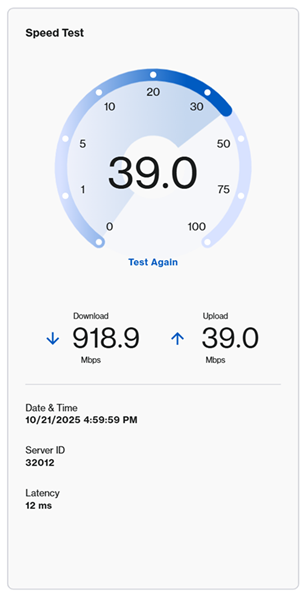
2. From the Home page, click Go or Test Again to run a speed test.
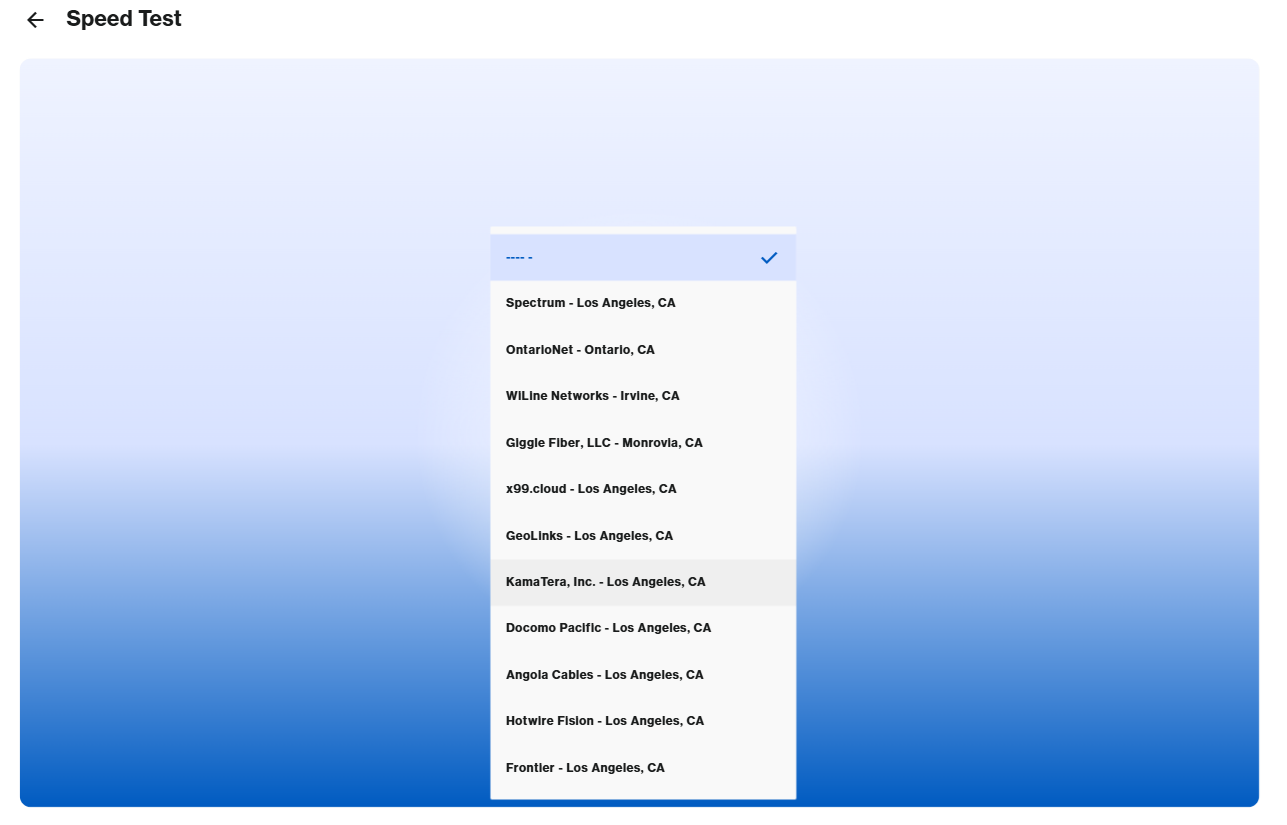
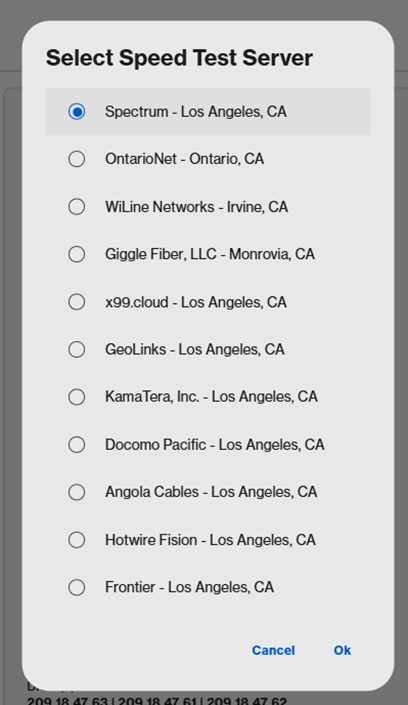
On some models, you may need to select a server before running a speed test.
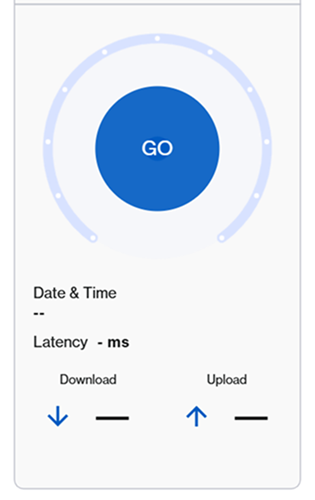
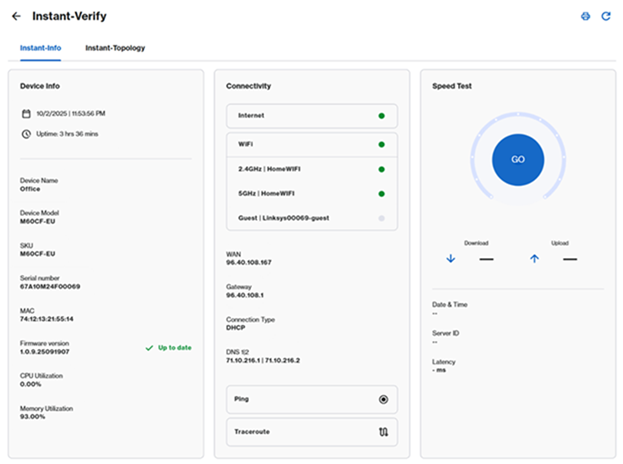
You can also click Menu > Instant-Verify, and then click GO.
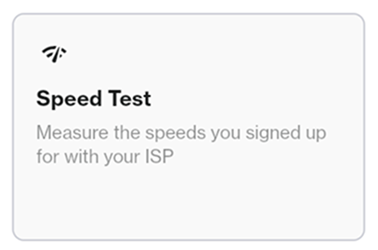
Lastly, you can also click Menu > Speed Test tile, then click GO or Test Again.

On some models, you may need to select a server before running a speed test.