You are using an unsupported browser. Please update your browser to the latest version on or before July 31, 2020.
close
You are viewing the article in preview mode. It is not live at the moment.
Home > Advanced Configurations > Mesh Systems > How to run a Speed Test on a Linksys Pinnacle Mesh Router
How to run a Speed Test on a Linksys Pinnacle Mesh Router
print icon

Speed test services may vary by model. This article will guide you through running a speed test on the Linksys SPNM60CF model.


There are several places to run a speed test on the Linksys Now web interface:


1. Log in to the web interface.
 

2. From the Home page, click Go or Test Again to run a speed test.
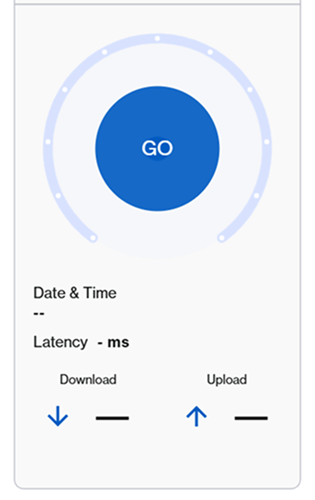
 

An illustration of the Go button to click in order to run a speed test.

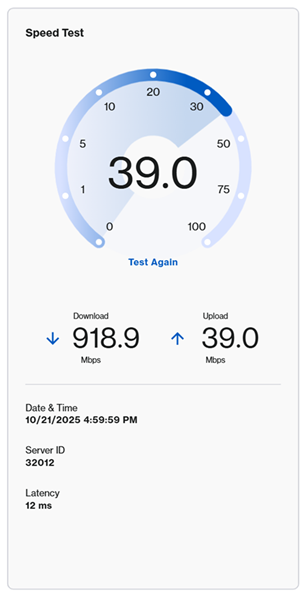
An illustration of the speed test after the Go button is clicked


You can also click Menu > Instant-Verify, and then click GO.
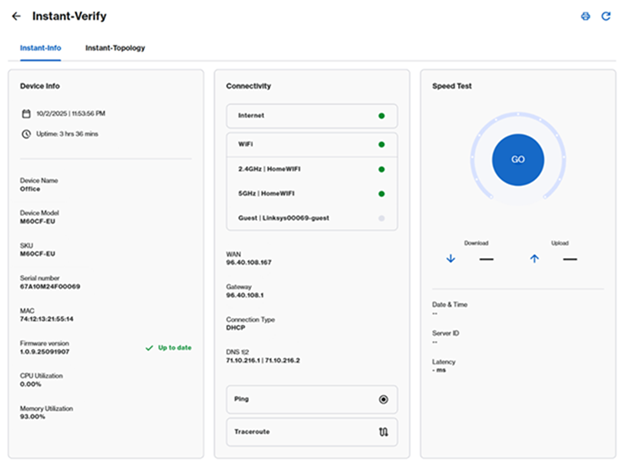
 

An aternative option to get to the Go button which is to go to Menu > Instant-Verify


Lastly, you can also click Menu > Speed Test tile, then click GO or Test Again.
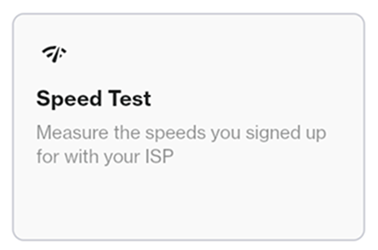
 

A third option to select the Go button which is through the Menu option and then clicking on the Speed Test tile


Speed Test > Go


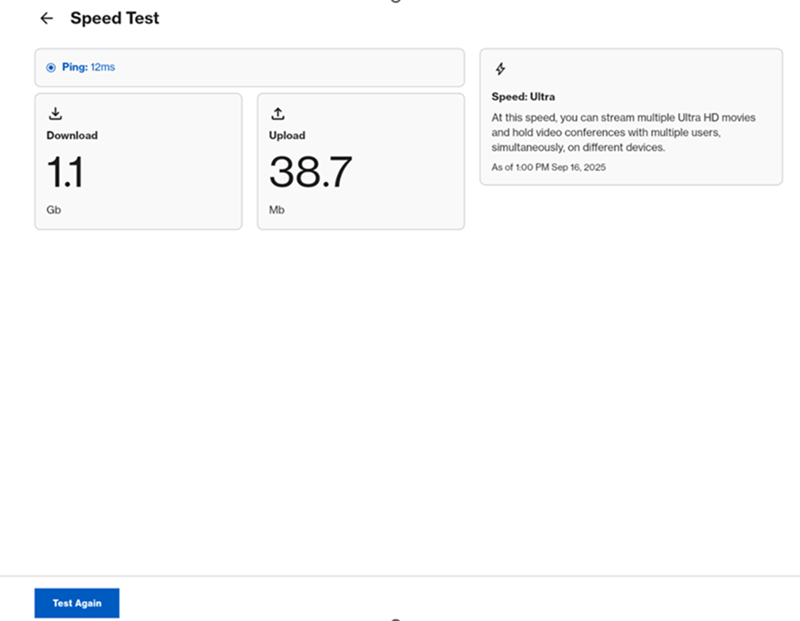
An illustration of the Speed Test section where it shows the Download and Upload speed

Was this support article helpful?
0 out of 0 found this helpful

Contact Us:
Call Us Access our list of global support numbers
Reddit Join and subscribe to our Official Reddit Community
Chat Us We are here to help you with all the questions you have

Linksys
Now
Support
scroll to top icon